WhatsApp Pricing Changes from 1 October 2026: What Businesses Need to Know
From 1 October 2026, Meta charges for WhatsApp service messages after a 1,000 monthly allowance per number. Utility template replies inside the 24-hour window are also billable. Here is what to know.
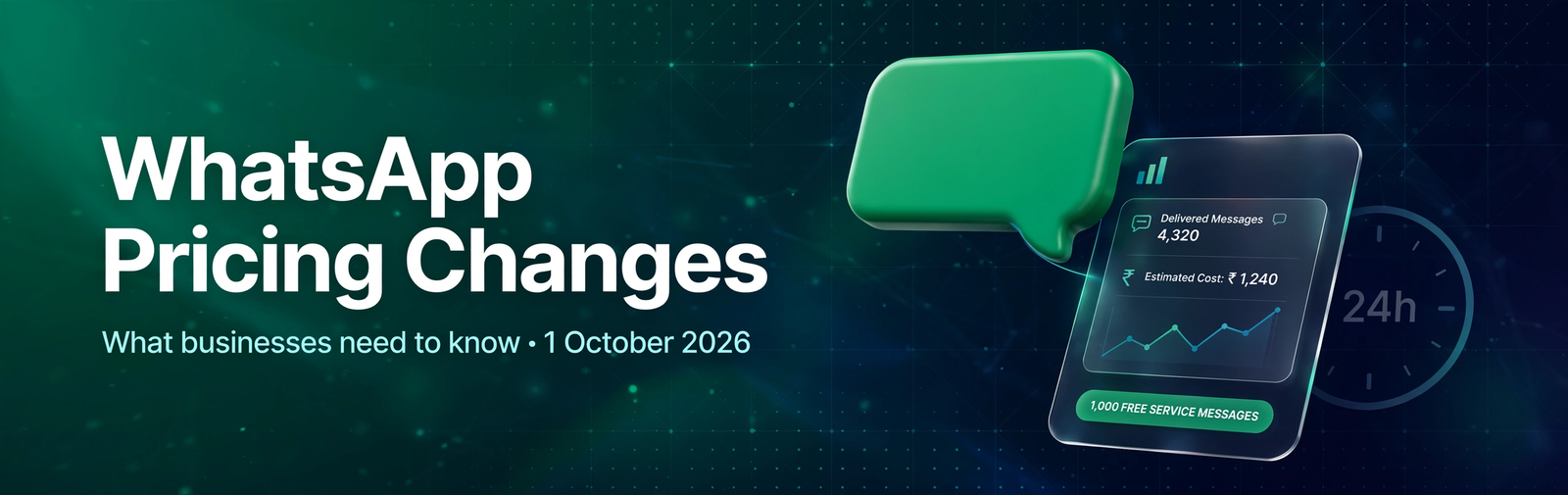
From 1 October 2026, Meta has changed how WhatsApp Business Platform messages are charged. Service replies are no longer automatically free just because they are sent within the 24-hour customer service window. Utility templates sent during the same window are also now chargeable.
For businesses using WhatsApp for customer support, order updates, appointment reminders, and automated conversations, this change can directly affect monthly messaging costs.
The important point is simple:
Meta charges based on delivered business messages — not conversations.
What Changed on 1 October 2026?
Two types of messages that were previously free inside the 24-hour customer service window are now chargeable:
- Service messages — non-template replies sent by human agents or third-party chatbots.
- Utility messages — approved templates used for transactional or informational updates in response to customers.
1. Service Messages Are Free Only Up to 1,000 per Month
Each business phone number receives 1,000 free delivered service messages per month.
Once the business crosses that limit, the 1,001st message and onward are charged.
The allowance:
- Applies separately to each phone number
- Resets every month
- Does not roll over
- Counts individual messages, not conversations
For example, if one customer conversation contains four separate business replies, those count as four service messages.
2. Utility Messages Inside the 24-Hour Window Are Now Charged
Utility messages are used for non-promotional, transactional communication such as:
- Order confirmations
- Payment updates
- Appointment reminders
- Delivery updates
Previously, utility templates sent while the customer service window was open were free.
From 1 October 2026, they are charged per delivered message, even when sent in response to the customer.
Unlike service messages, utility messages do not receive the 1,000-message free monthly allowance.
Does the 24-Hour Window Still Matter?
Yes.
The 24-hour customer service window still controls when businesses can send non-template replies.
When a customer sends a message, the window opens and resets whenever the customer messages again.
Inside the open window, businesses can send:
- Non-template service replies
- Utility templates
- Authentication templates
- Marketing templates
Outside the window, businesses must use an approved template to contact the customer.
So, the rule about when you can send a message has not disappeared — the pricing has changed.
What Is Free and What Is Charged?
| Message Type | Pricing from 1 October 2026 |
|---|---|
| Customer sends a message to business | Free |
| First 1,000 service messages/month/phone number | Free |
| Service messages after 1,000 | Charged |
| Utility templates inside 24-hour window | Charged |
| Utility templates outside 24-hour window | Charged |
| Marketing templates | Charged |
| Authentication templates | Charged |
| Eligible free entry point messages | Free |
| Meta Business Agent messages | Charged separately |
Meta charges when a business-to-user message is delivered. An undelivered message does not attract the Meta message charge.
What About Click-to-WhatsApp Ads?
There is still an important exception.
When a customer starts a WhatsApp conversation through an eligible Click-to-WhatsApp ad and the business responds within the customer service window, a free entry point window can open for up to seven days.
During this window, eligible marketing, utility, authentication, and service messages are free.
This is different from the standard 24-hour customer service window.
24-hour window = controls when you can send non-template replies.
Free entry point window = a pricing benefit for eligible ad-originated conversations.
How Much Will Service Messages Cost?
The service-message rate depends on the customer's market and WhatsApp number country code.
For Indian customers, businesses should check Meta's current INR rate card and the charges shown in their provider account, as rates can change over time.
Your total WhatsApp cost may also include:
- Platform subscription
- Meta message charges
- Taxes
- Third-party AI usage, if applicable
So businesses should consider all components rather than looking at the Meta message charge alone.
A Simple Billing Example
Suppose one business phone number delivers:
- 1,600 service messages
- 400 utility messages
in one month.
The first 1,000 service messages are free.
That leaves:
- 600 billable service messages
- 400 billable utility messages
So the total can be up to 1,000 billable messages, depending on applicable free-entry-point exceptions and other pricing rules.
This is why businesses should track delivered messages rather than conversations.
One conversation can contain multiple separately billable business messages.
Businesses Should Also Check Their Payment Method
Businesses were required to add a valid payment method to their Messaging account by 30 September 2026 to avoid disruption.
Even businesses that normally stay below the free service-message allowance should review their billing setup, because a busy month could push them above 1,000 service messages.
Eligible Indian businesses should also note the requirement to migrate Messaging accounts to INR by 31 December 2026 to avoid message-delivery disruption from 1 January 2027.
What Should Businesses Do Now?
1. Confirm Your Payment Method
Make sure the relevant WhatsApp Messaging account has a valid payment method.
2. Track Messages, Not Conversations
Measure the number of outbound service messages delivered by each business phone number.
3. Review Your Automated Flows
Some chatbots send several short messages instead of one complete response. Since each delivered service message can count separately, combine messages where appropriate.
4. Use the Correct Message Category
Don't change a message category simply to influence billing. Templates must follow Meta's categorisation rules.
5. Audit Utility Triggers
Order confirmations, payment updates, appointment reminders, and similar utility messages should now be included in your messaging cost forecast.
6. Keep Customer Support Concise
Avoid unnecessary messages such as:
“Hello”
“Let me check.”
“One moment.”
when they could be combined into one useful response.
7. Monitor Free Entry Point Traffic
Track conversations originating from eligible Click-to-WhatsApp ads separately.
8. Update Your Budget
Your WhatsApp cost can now depend partly on how many outbound messages are required to resolve a customer interaction.
How Whatify Helps Businesses Manage the Change
With Whatify, businesses can manage WhatsApp campaigns, chatbot automation, shared team inboxes, contact management, and analytics from one platform.
Businesses can monitor campaign and spending data, review automated journeys, understand message volume, and coordinate customer replies through a shared inbox.
Chatbot flows can also be refined to reduce unnecessary message fragments.
The goal isn't to reply less.
The goal is to make every reply useful, correctly categorised, and measurable.
Final Takeaway
The WhatsApp pricing change from 1 October 2026 makes message-level tracking more important than ever.
Businesses should focus on:
Track → Optimise → Automate → Measure
Understand how many messages your business sends, identify unnecessary message volume, optimise your automated journeys, and monitor the actual cost of customer communication.
With the right WhatsApp strategy, businesses can control costs without compromising the customer experience.
Ready to manage your WhatsApp automation more efficiently? Explore Whatify and start with one real customer-support workflow before expanding further.
External Sources
- Meta — WhatsApp Business Platform pricing
- Meta — Service and utility message pricing updates
- Whatify — WhatsApp Business API automation platform
Frequently Asked Questions
Service messages are charged after 1,000 free messages, and utility templates inside the 24-hour window are now billable.
No. The first 1,000 service messages per phone number each month are free.
Messages. Each delivered service message counts separately.
No. They are now charged per delivered message.
No. Inbound customer messages are free.
Service messages can be delivered up to the free limit; further messages may stop until payment is configured.
Ready to automate your WhatsApp marketing?
Start your 14-day free trial today. No credit card required.
Start Free Trial