WhatsApp Automation for Enterprise Teams: A Pilot-First Guide
A pilot-first framework for enterprise teams: choose one workflow, define ownership, test handoffs and measure outcomes before expanding.
Enterprise WhatsApp automation connects repeatable customer conversations with defined workflows, team ownership and business systems. Start with one measurable journey, such as enquiry qualification, and test consent, data handling and human escalation before expanding. A successful pilot proves operational reliability, not just message delivery.
Start with a business problem, not a broadcast list
A business can send more messages and still leave customers waiting. The problem is often an unclear next step: who owns an enquiry, which details are needed and when a person should intervene. Enterprise WhatsApp automation should make those decisions explicit.
Choose a workflow with a clear starting event and a finish line. An inbound product enquiry that ends in a qualified sales handoff is easier to evaluate than a project called “automate customer engagement.” Name the operating owner, the commercial sponsor and the person who can stop the workflow if it behaves unexpectedly.
Select one journey for the first pilot
Score candidate journeys on volume, repetition, data sensitivity and measurable business value. Start where questions are predictable and mistakes are reversible. Avoid making high-risk account changes or sensitive decisions the first automated task.
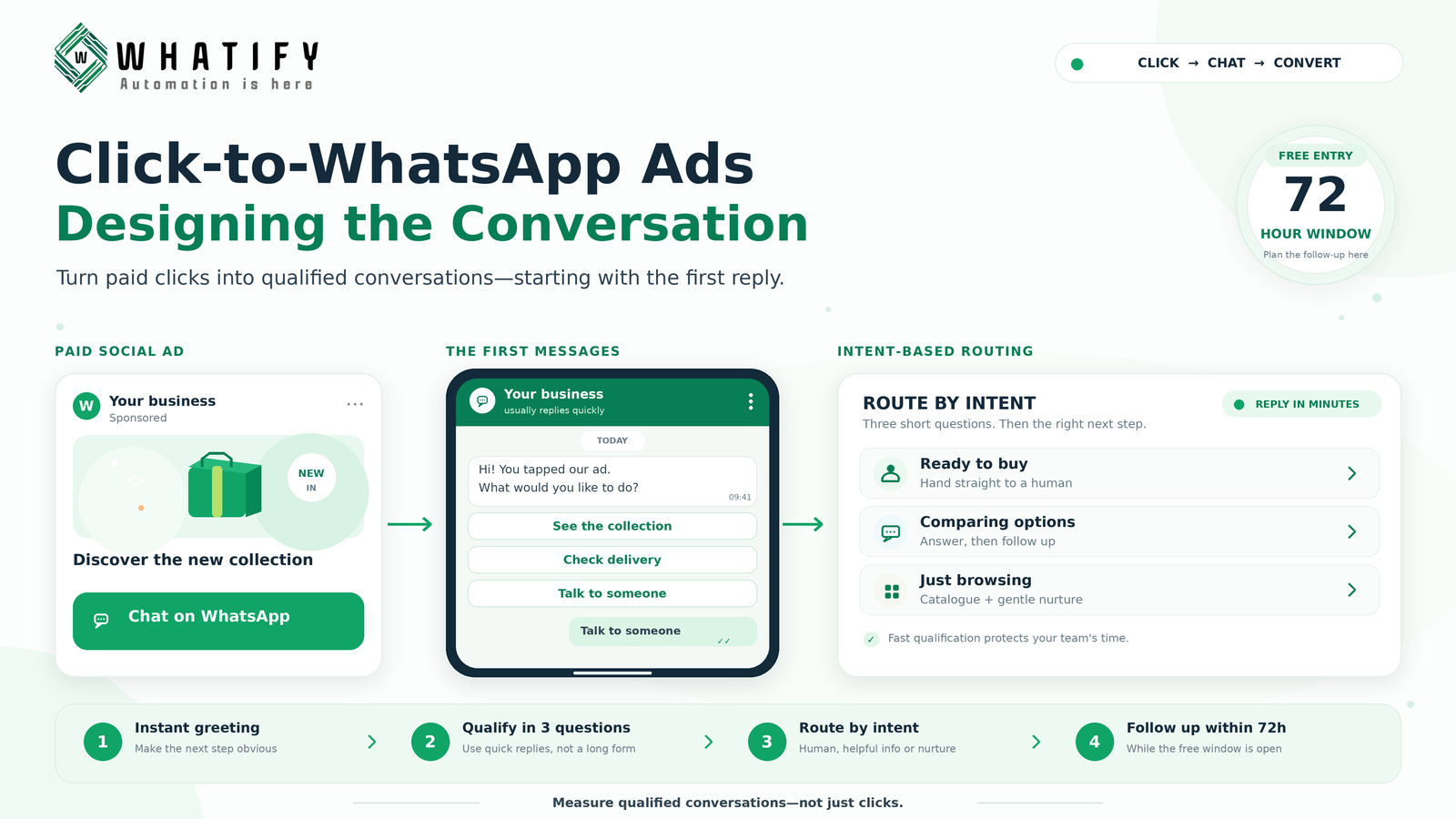
For an enquiry pilot, define four stages: acknowledge the request, collect essential details, route to the appropriate agent and record the outcome. Agree what “qualified” means before launch. Company name and a real business need may matter more than collecting ten fields that nobody uses.
Map the workflow and its exceptions
Write the happy path as a sequence: customer message → qualification questions → branch → agent assignment → outcome recorded. Then write the failure path. What happens when the answer is unclear, the integration is unavailable or the customer asks for a person?
Whatify’s published features include a visual flow builder, conditions, API calls and webhooks, contact fields and a shared inbox. These are building blocks, not proof that every enterprise process works without configuration. Test the exact handoff and integration with your own environment. Use the provider evaluation checklist for procurement questions.
Put permission and people into the design
Obtain appropriate opt-in for subsequent outreach, respect opt-outs and use approved templates when required by WhatsApp policy. Automated responses should offer a clear escalation route. Do not treat possession of a phone number as permission for a campaign.
Set staffing expectations too. A handoff button is not helpful if no team monitors the queue. Tell customers when a human response is available and provide an alternative route for urgent needs. Review your shared inbox setup before adding traffic.
Measure one outcome and two guardrails
Use qualified handoff completion as the primary outcome. Define it as eligible enquiries that reach the named owner with the agreed information. Track human-response time and opt-outs as guardrails so better throughput does not hide a worse customer experience.
Compare the pilot with a clearly defined baseline. If traffic sources or customer types change, explain the difference rather than attributing every improvement to automation. Delivery and read rates describe messaging activity; they do not prove revenue impact.
Expand only after a go/no-go review
Review unresolved conversations, failed integrations and customer feedback weekly. Expand when the workflow is stable, the team can manage exceptions and the measurement is trustworthy. Keep a rollback plan and a named owner for changes.
Explore Whatify’s current features, then start a trial to test one workflow. For security, procurement and integration requirements, request written answers before a wider rollout.
Frequently Asked Questions
Enterprise WhatsApp automation connects repeatable customer conversations with defined workflows, team ownership and business systems. Start with one measurable journey, such as enquiry qualification, and test consent, data handling and human escalation before expanding. A successful pilot proves operational reliability, not just message delivery.
Start with a repetitive, low-risk journey that has a clear owner and outcome, such as inbound enquiry qualification. Define exceptions and human escalation before launch.
No. Rules-based flows follow configured steps and conditions. Agentic AI implies additional decision-making capabilities. Whatify’s verified public feature set supports workflow automation; this guide does not claim autonomous AI agents.
Compare a defined baseline with qualified handoffs, human-response time and opt-outs. Keep the audience and measurement period comparable, and do not treat read rates as revenue.
That cannot be established from public feature pages. Confirm security controls, contractual terms, integration behaviour and support commitments directly before procurement.
Ready to automate your WhatsApp marketing?
Start your 14-day free trial today. No credit card required.
Start Free Trial